
devdump 2025-03-25
Color me neovimmed!

Today I spent some time fixing a silly issue with my environment. I’ve wrestled with this before, only this time I took some notes while debugging. I wonder if anyone else out there can empathize with this kind of problem or if it’s just me 😅…
Fix neovim colors on default mac terminal + tmux
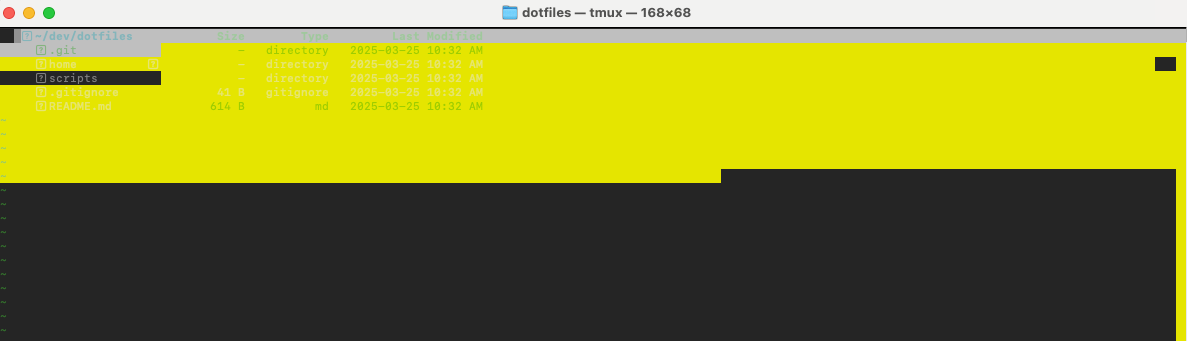
I always forget how to get this working… Maybe one of these days I’ll switch to a terminal like ITerm2 that actually supports true-colors, but idk… Maybe later…
context:
Setting up a new Mac, using the default terminal. Not ready to bite the bullet and use a third-party terminal :|
Using bash 5.2 installed via homebrew as the shell.
Using tmux.
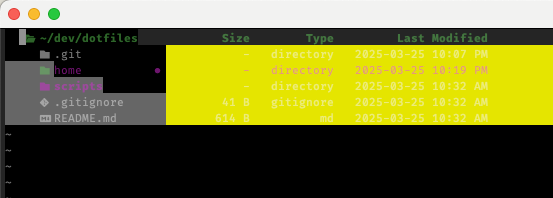
Using my personal dotfiles project.
solution:
DO NOT add
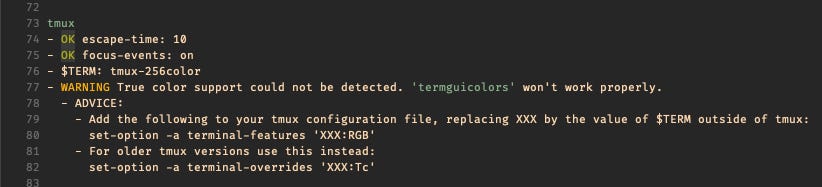
set-option -a terminal-features ‘XXX:RGB’according to this neovim warning: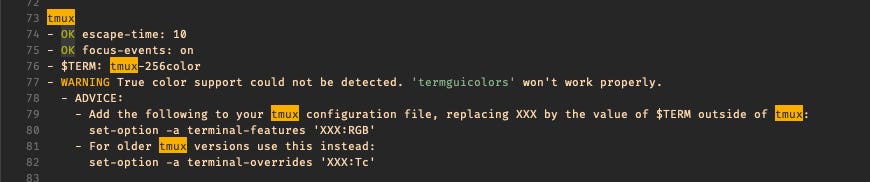
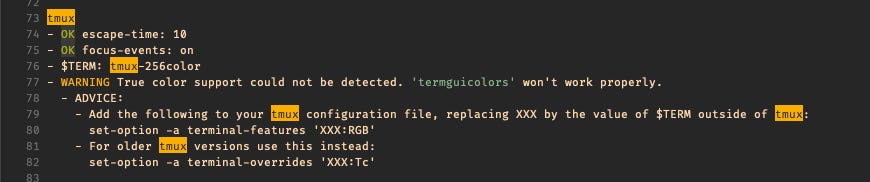
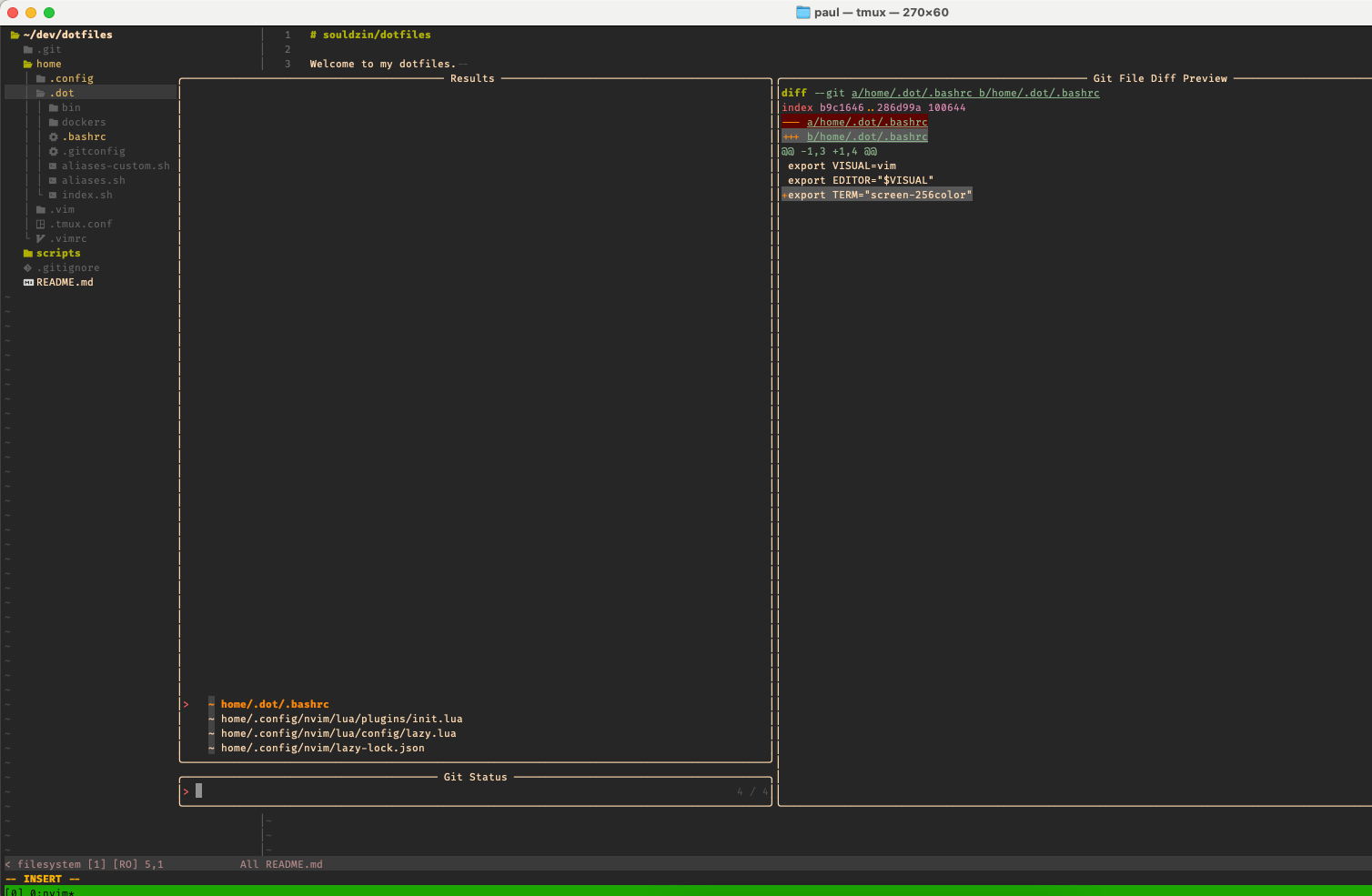
Here’s the commit to my dotfiles which fixed this problem for me.
debugging:
The following are some notes I took while debugging this issue. It’s a bit noisy, but I tried to highlight my thought process while solving a problem like this.
Any smoke? Any obvious errors? Let’s try running
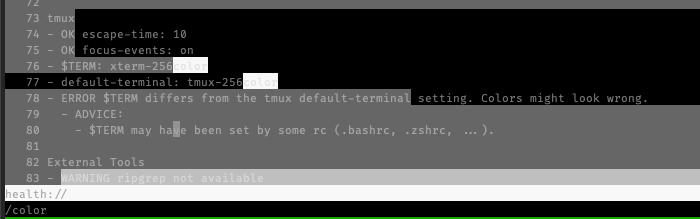
:checkhealthinside neovim… Everything seems okay… The only thing matching “color” is:tmux~ - OK escape-time: 10 - OK focus-events: on - $TERM: screen-256colorCan we isolate the problem? At this point, I’m not sure if it’s tmux or not, so let’s be sure to test also in just a regular terminal context…
To google! Let’s search for things like “neovim color terminal broken”… Okay, this SO answer has some comments that suggest setting
TERM. This is ringing some bells… Since I use a personal dotfiles project to manage this kind of configuration, let’s addexport TERM="xterm-256color"to~/.dot/.bashrc…Restart everything. Start tmux. Start neovim. No dice :/
side quest: Is there anything else broken? Maybe fixing a related issue will
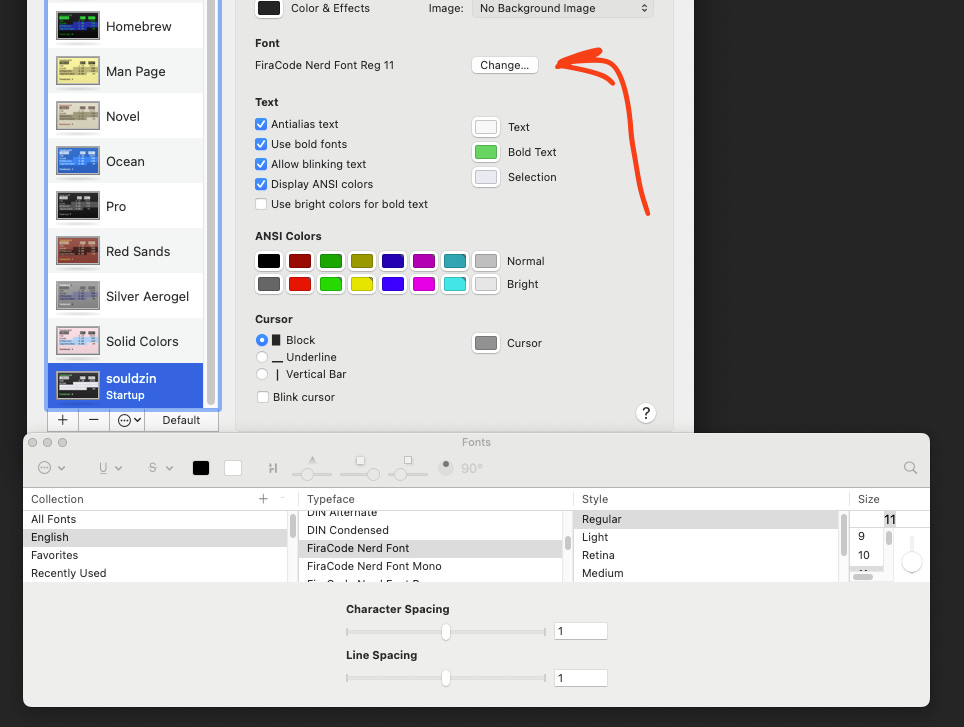
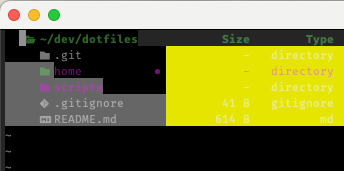
magicallyfix the color problem... It looks like file icons in neotree are not rendering properly. My neovim config is based off LazyVim, which states a dependency on a Nerd Font (based on the docs). Okay, let’s go with FiraCode (this one sounds familiar) and update the Terminal profile: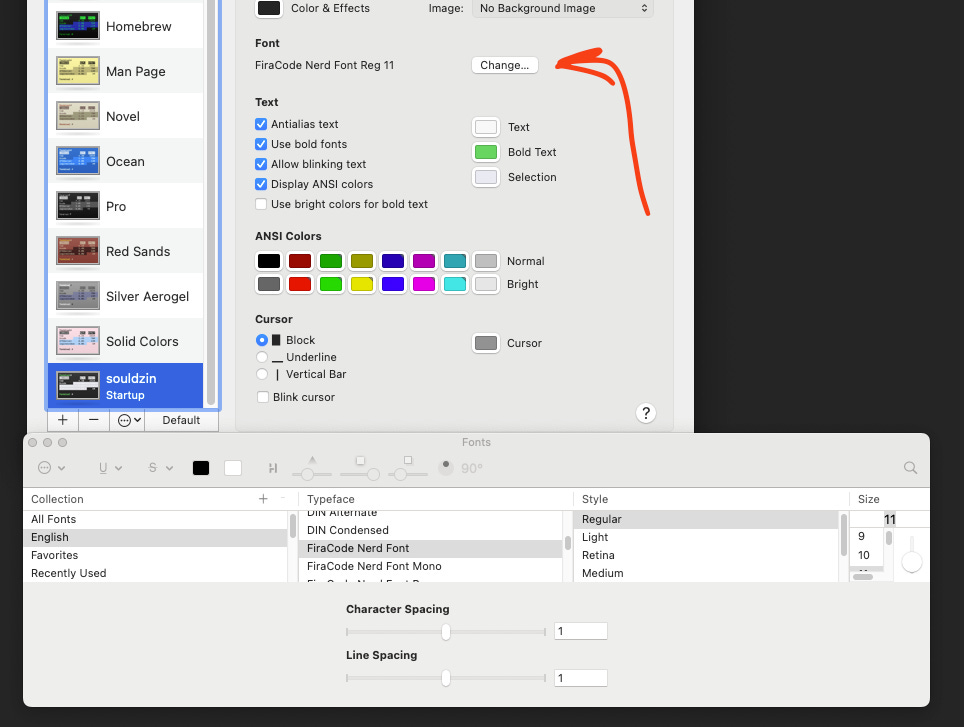
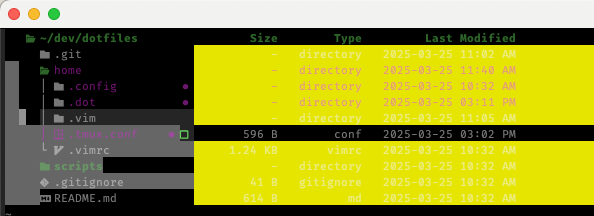
Icons are now loading! 🎉
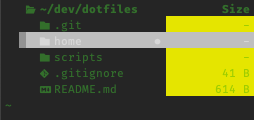
Colors still borked ☹️
reflection: I’m a bit stuck at this point. Let me try to expand my search and look at the problem from a different perspective… I know that one root issue here is that the default mac Terminal does not support 24-bit true-color (see nvim relevant docs)… But! I know I’ve had this working before… Let’s start including things like “256 color” in my searches.
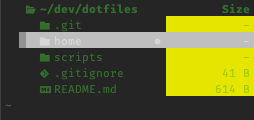
Is the problem theme specific? Maybe I can help isolate the problem with another theme. Let’s install good ol’ gruvbox and set it up in our neovim config… Still borked (albeit more gruvy now):
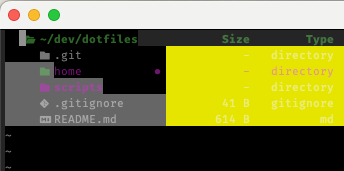
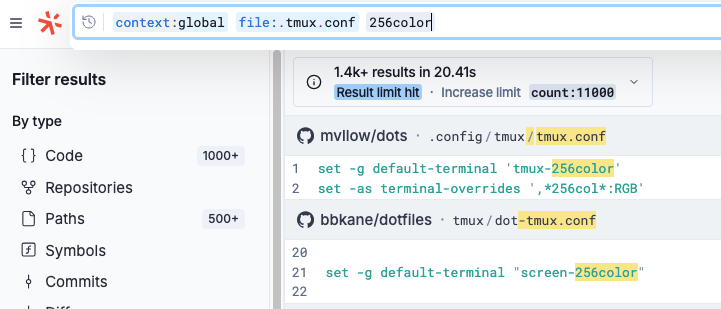
Are there any examples out there with working configuration? Let’s visit Sourcegraph and look for actual examples out in the wild…
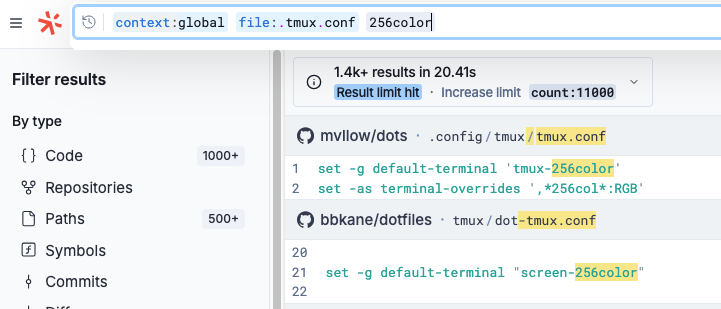
The first hit is a little different than what I have, so let’s go ahead and try this out in our
.tmux.conf:# My old lines # set -g default-terminal 'screen-256color' # set-option -a terminal-features 'xterm-256color:RGB' # New lines from `mvllow/dots`. Thanks @mvllow! set -g default-terminal 'tmux-256color' set -as terminal-overrides ',*256col*:RGB'And… still borked. Let’s see what
:checkhealthsays…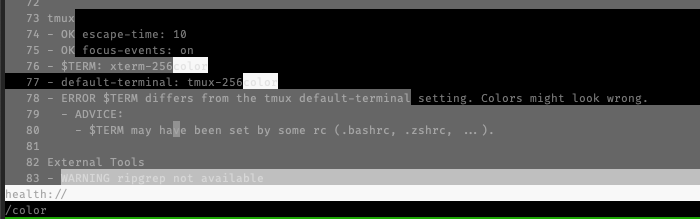
Oh! Right!
$TERMand tmux’sdefault-terminalshould match…Fix error and test. Let’s try updating the bash profile to
export TERM="tmux-256color"(see step 3 earlier). Restart the terminal. Start nvim, and…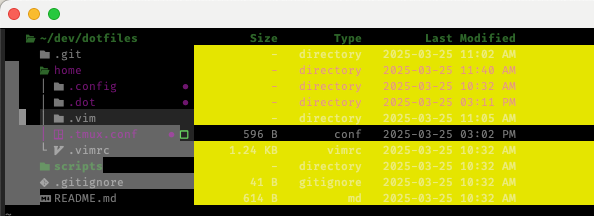
Still borked… The
:checkhealthno longer shows theTERM/default-terminalmismatch error. Not necessarily a good sign…More searching; hunting for clues. After a number of google searches for things like “neovim 256 color”, I come across this Reddit post asking the humble question:
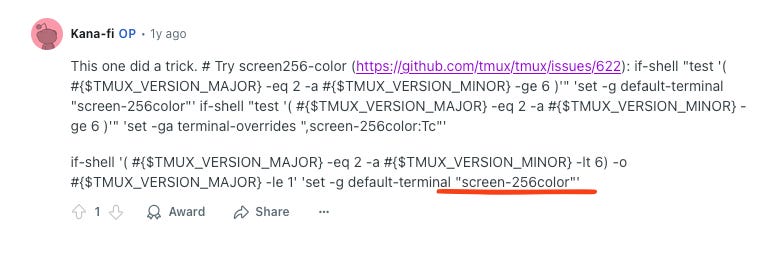
How do I fix 256 color ?
The OP replied with what worked for them, but it looked a bit more involved than I remember… Suddenly, I noticed something…
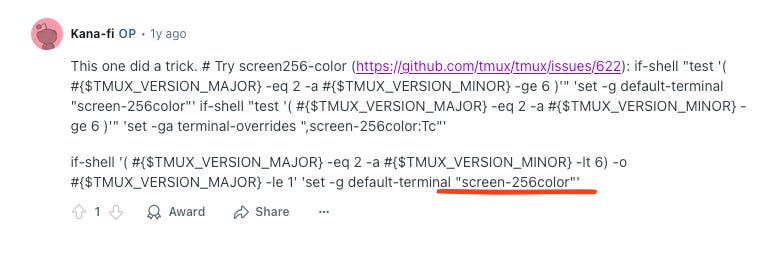
We’ve tried
xterm-256colorandtmux-256colorin a number of different ways, but maybe the secret is inscreen-256color… I already had this in my original.tmux.confso let’s revert to my original dotfile settings which included:set -g default-terminal "screen-256color" set-option -a terminal-features 'xterm-256color:RGB'Let’s update the bash config to include:
export TERM="screen-256color"Restart terminal. Start tmux. Open folder in nvim, and…
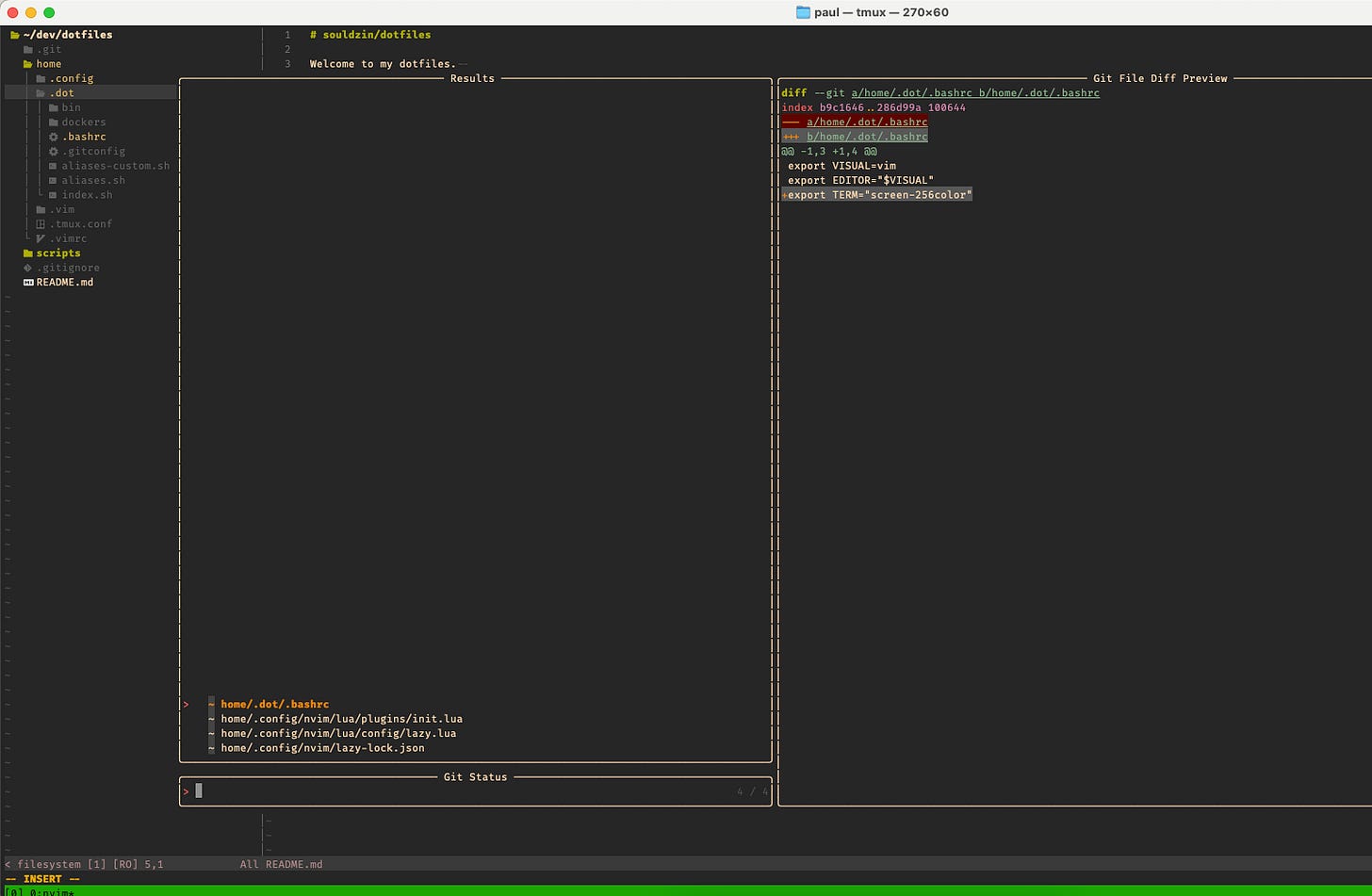
SUCCESS! 🎉
So now I’m curious… What’s the difference between xterm-256color and screen-256color? Searching that question lead me to this great SO answer where I also learn that I probably shouldn’t be directly overwriting
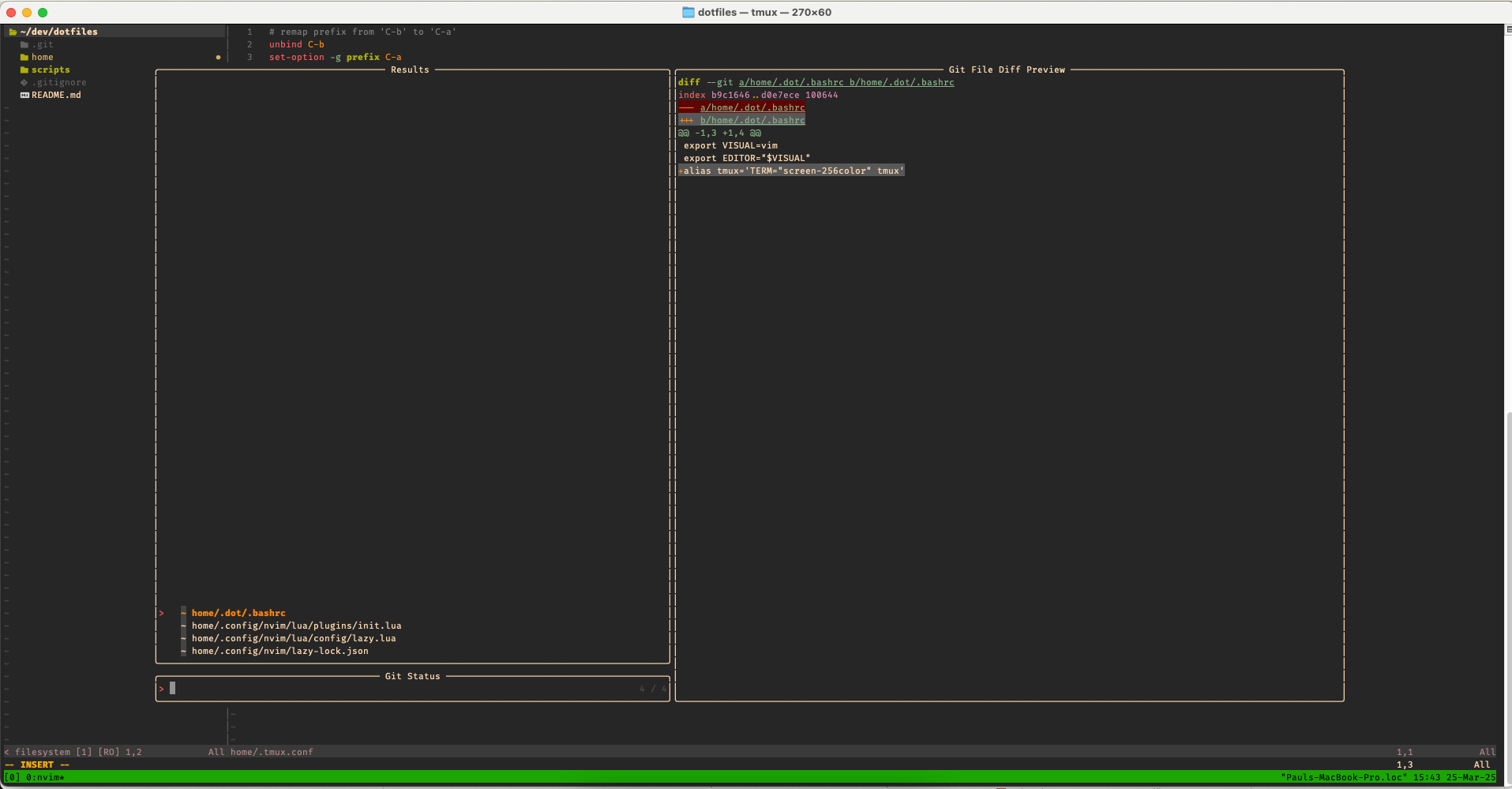
TERM 😬… After playing around a bit, I landed on a nice solution to just alias tmux to‘TERM=”screen-256color” tmux’and everything still works 🎉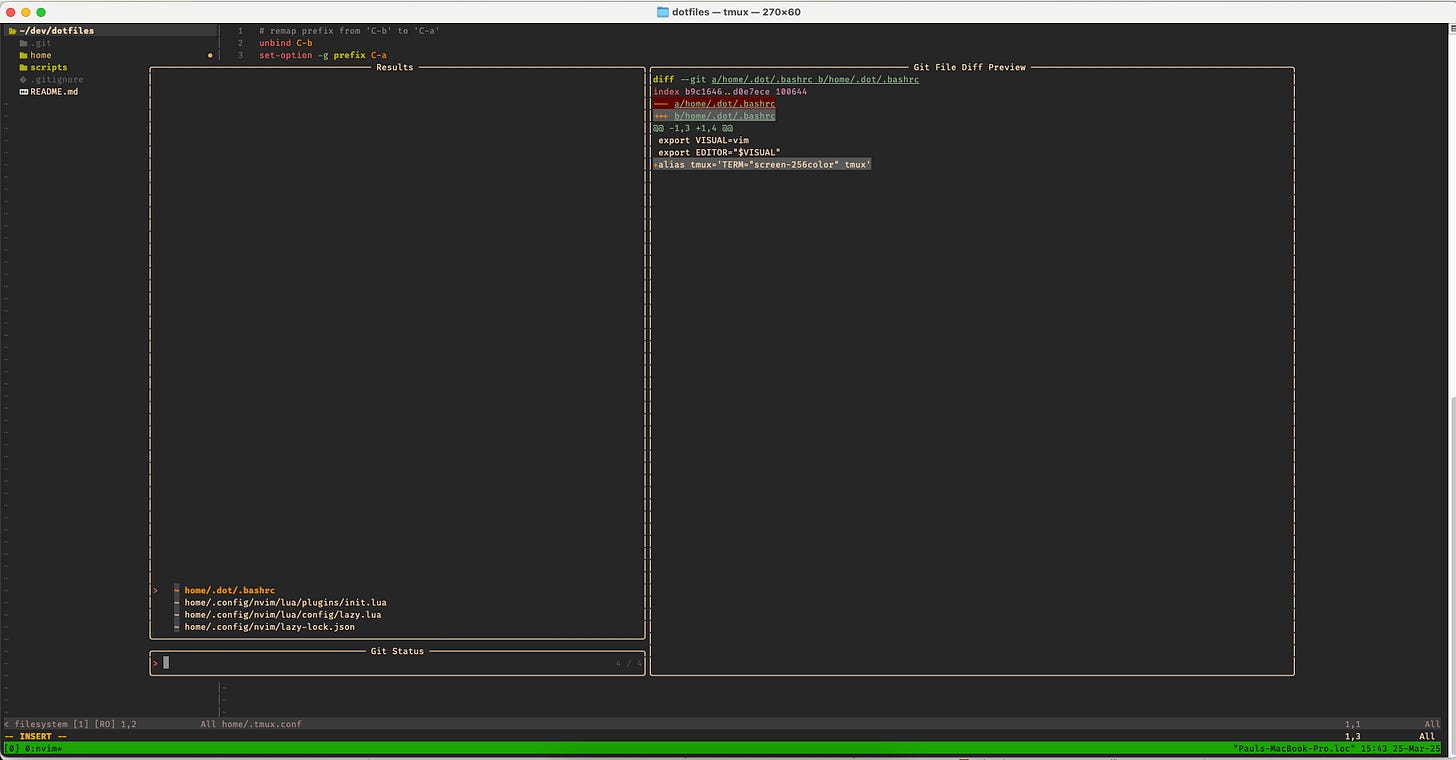
But, I’m still curious… What happens if I revert this fix and get rid of my tmux config lines? It seemed like lining up tmux’s
default-terminalandTERMfixed the issue. Why doesn’t this work out of the box? Let’s try removing all of my preexisting tmux options, as well as the new tmux alias that setsTERM…I explored this path, and to my surprise the neovim colors worked nicely, except the
:checkhealthreturned a warning: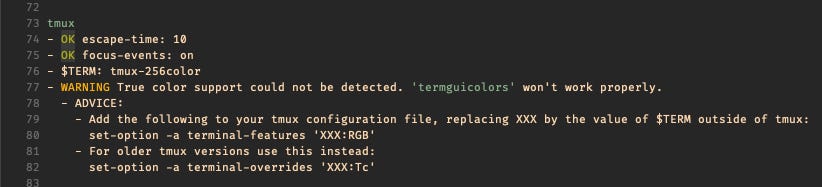
Ah! This explains why I set these configurations in the first place! Let’s try following the warning instructions and adding that line back:
set-option -a terminal-features 'xterm-256color:RGB'Restart everything. Open tmux. Open nvim…
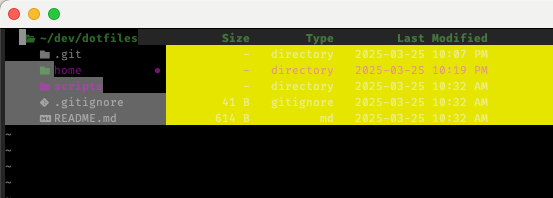
Borked. This must be why I went the route of setting default-terminal in my configurations… I think it’s best to just leave things unset and live with the warning.
conclusion:
To fix the mac terminal + tmux + neovim color situation, you shouldn’t have to mess with TERM. If you’re inheriting some preexisting settings, try starting from scratch. If resolving a warning makes the problem worse, then add a comment why the warning should not be resolved in that way.